
February
February 23, 2026
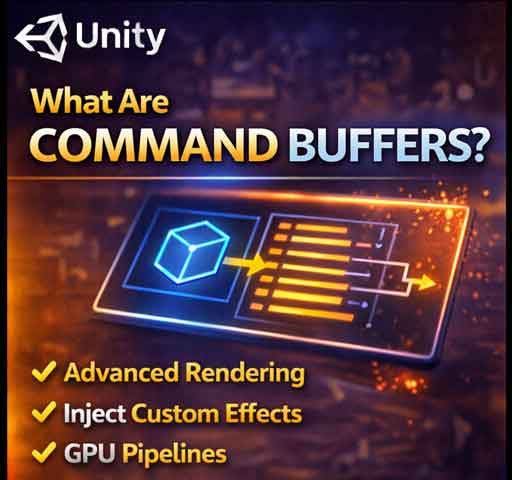
Most Unity developers use cameras, lights, and materials without ever touching Command Buffers. But under the hood, Unity’s rendering pipeline is built around commands sent to […]
February 23, 2026
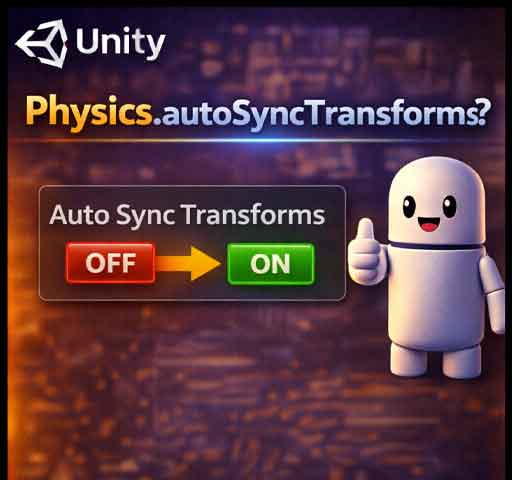
If you’ve ever moved an object using transform.position and noticed strange collision behavior, delayed raycasts, or inconsistent physics results, Physics.autoSyncTransforms might be involved. This setting controls […]
February 23, 2026
Moving objects in Unity seems simple at first. You change the position and the object moves. But when physics is involved, choosing the wrong method can […]
February 22, 2026
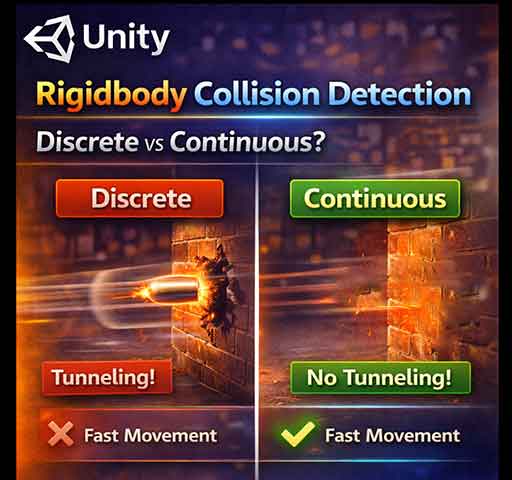
Collision detection is at the heart of every physics-based game in Unity. If you don’t understand it, fast-moving objects may pass through walls, or physics may […]
February 22, 2026

Unity Timeline is a powerful tool for cutscenes, animations, and sequencing events. But sometimes you hit “Play” and nothing happens. The Timeline does not play, leaving […]
February 22, 2026
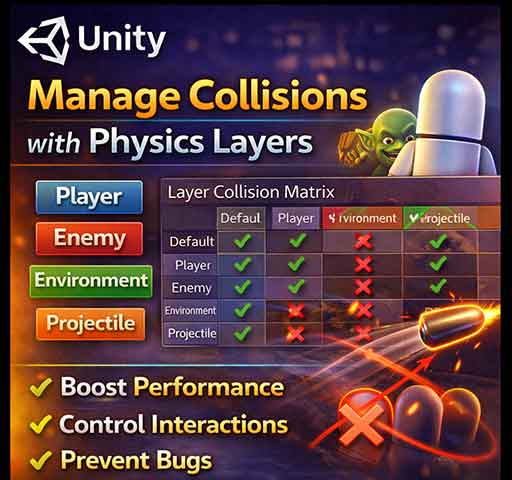
Unity’s physics system is powerful, but without proper organization, collisions can become messy, performance-heavy, and unpredictable. Physics layers are a key tool for managing which objects […]
February 22, 2026

Have you ever shot a bullet, thrown a fast ball, or moved a car quickly in Unity, only to see it pass right through a wall […]
February 22, 2026
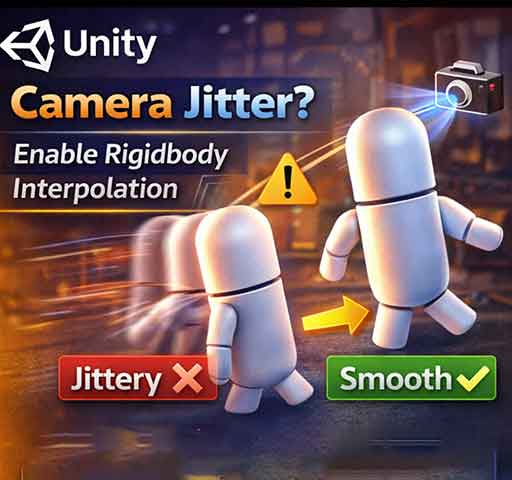
Ever notice that your Rigidbody object looks jittery when your camera follows it? Or that fast-moving objects appear to stutter even though the physics simulation seems […]
February 21, 2026
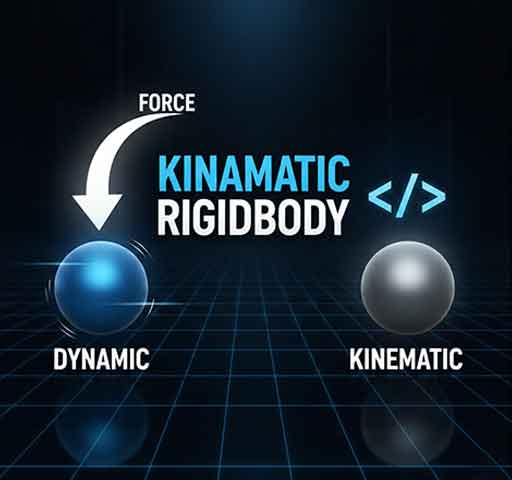
The term “Kinematic Rigidbody” confuses a lot of Unity developers. You check the Is Kinematic box on a Rigidbody and suddenly physics behaves differently. Objects stop […]
February 21, 2026
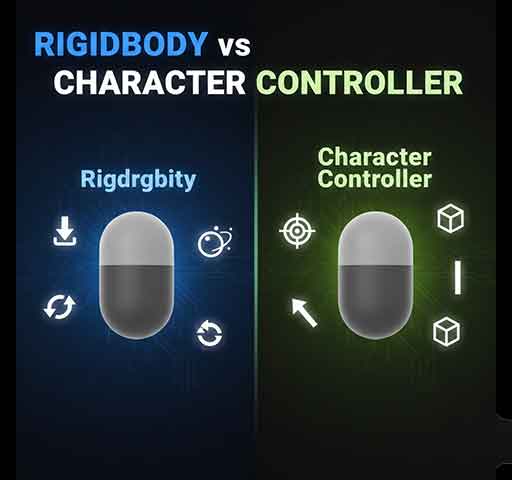
If you’re building a player controller in Unity, one of the first decisions you face is this: should you use a Rigidbody or a CharacterController? Both […]
February 21, 2026

Your character moves fine in open space. But the moment it touches a wall, something feels wrong. The player slows down. Movement feels sticky. Sometimes the […]
February 21, 2026
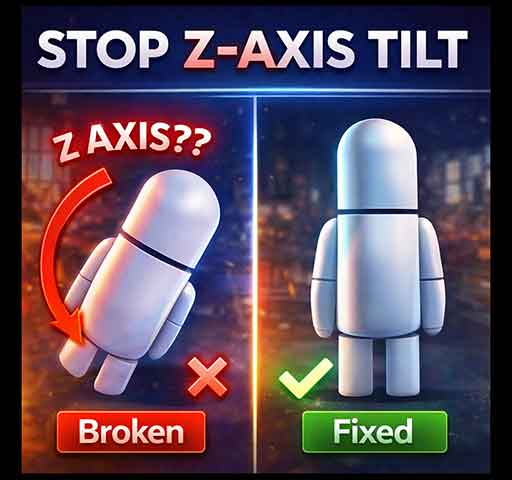
You press Play. Your character moves forward correctly. Then suddenly it starts tilting on the Z axis. Maybe it slowly leans to one side. Maybe it […]