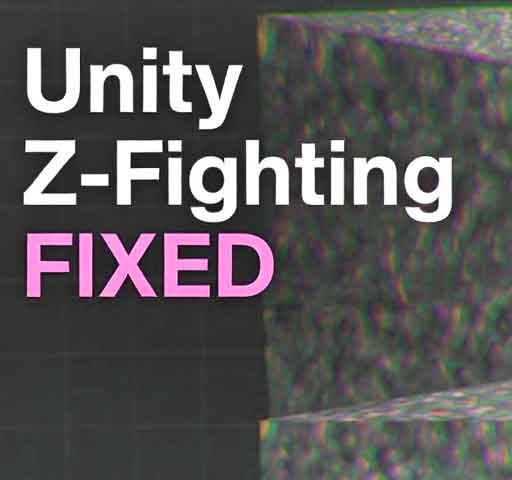
You move the camera and two surfaces start flickering. The texture looks like it is vibrating. Sometimes parts of a wall disappear and reappear rapidly.
This is called Z-fighting. It happens when two surfaces compete for the same depth position in the rendering pipeline. Unity is not broken. The GPU simply cannot decide which surface should be drawn first.
Below is a structured way to understand and fix Z-fighting in Unity.
What Is Z-Fighting?
Unity uses a depth buffer (Z-buffer) to determine which objects are in front of others. Each pixel stores a depth value.
If two surfaces are extremely close together, their depth values become nearly identical. The GPU alternates between them each frame, causing visible flickering.
Step 1: Check for Overlapping Geometry
The most common cause is two meshes occupying the same space.
Examples:
Two planes placed at the same Y position
Duplicate walls stacked together
Decals placed directly on top of surfaces
Solution:
Slightly offset one mesh (for example, move it by 0.001 on one axis)
Remove duplicate geometry
Step 2: Adjust Camera Near and Far Clip Planes
The camera’s depth precision is not evenly distributed. A very large distance between near and far clip planes reduces depth accuracy.
Select your Camera and check:
Near Clip Plane
Far Clip Plane
Common mistake:
Near = 0.01
Far = 10000
This setup destroys depth precision.
Better example:
Near = 0.3
Far = 500 or lower if possible
The smaller the range, the better the precision.
Step 3: Check Large World Coordinates
If your objects are very far from world origin (for example, position 100000, 0, 100000), floating-point precision decreases.
This can cause visible Z-fighting even when meshes are not perfectly overlapping.
Solution:
Keep gameplay near world origin (0,0,0)
Use floating origin techniques for large worlds
Step 4: Use Shader Offset for Decals
If you intentionally place one surface on top of another (like bullet marks or road lines), offset the depth slightly using shader settings.
In custom shaders you can use:
Offset -1, -1
This tells the GPU to bias depth calculation and avoid conflict.
Step 5: Avoid Coplanar Surfaces
Coplanar means two surfaces share the exact same plane.
Example problem:
Floor mesh
Second decorative floor mesh exactly aligned
Instead, modify the mesh so they are not perfectly overlapping.